
Docs
Pixel Flow user manual and best practices
Find scanning, filtering, image details, library, export, account, and industry workflow guidance by task.
AIGC parameters are empty
If the detail page opens but the AIGC Parameters section is empty, it does not mean the image is definitely not AI-generated, and it does not automatically mean Pixel Flow failed. More often, the image file did not preserve generation parameters, the parameter format is outside the current recognition scope, or the current account cannot view advanced metadata yet.

First identify what kind of missing state it is
| What you see | More likely meaning | Suggested action |
|---|---|---|
| The metadata is sanitized or cannot be recognized | The image does not contain recognizable generation parameters | Try the original or a higher-size version, or confirm whether the platform removed metadata. In general, images used only for web display often remove metadata to reduce network transfer cost. |
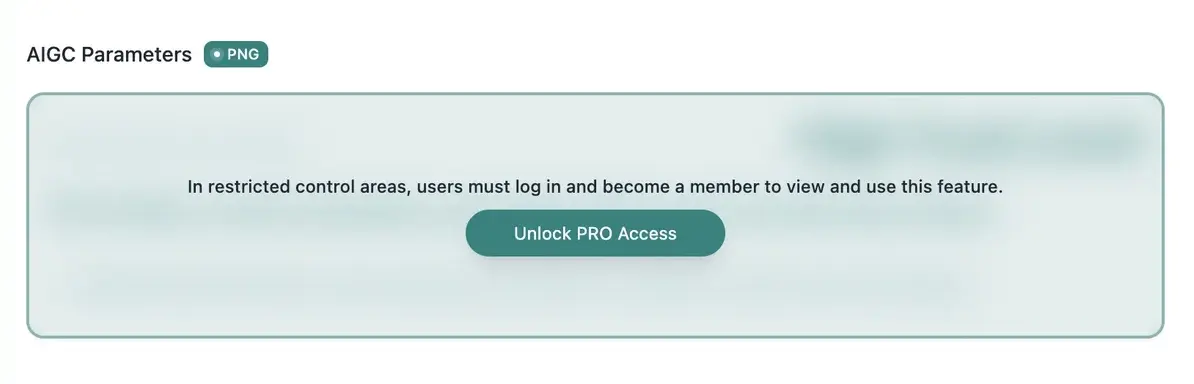
| A sign-in or upgrade prompt appears | Advanced metadata is not unlocked yet | Sign in, or check your PRO status |
| AIGC parameters are empty, but AI fingerprint detection has a result | Parameters are missing, but other AI clues were detected | Treat it as supporting evidence, not an authorization conclusion |
| Some images from the same source have parameters and others do not | Upload, conversion, compression, or saving methods differ | Compare the local original file with the published web version |
Why an image may not have parameters
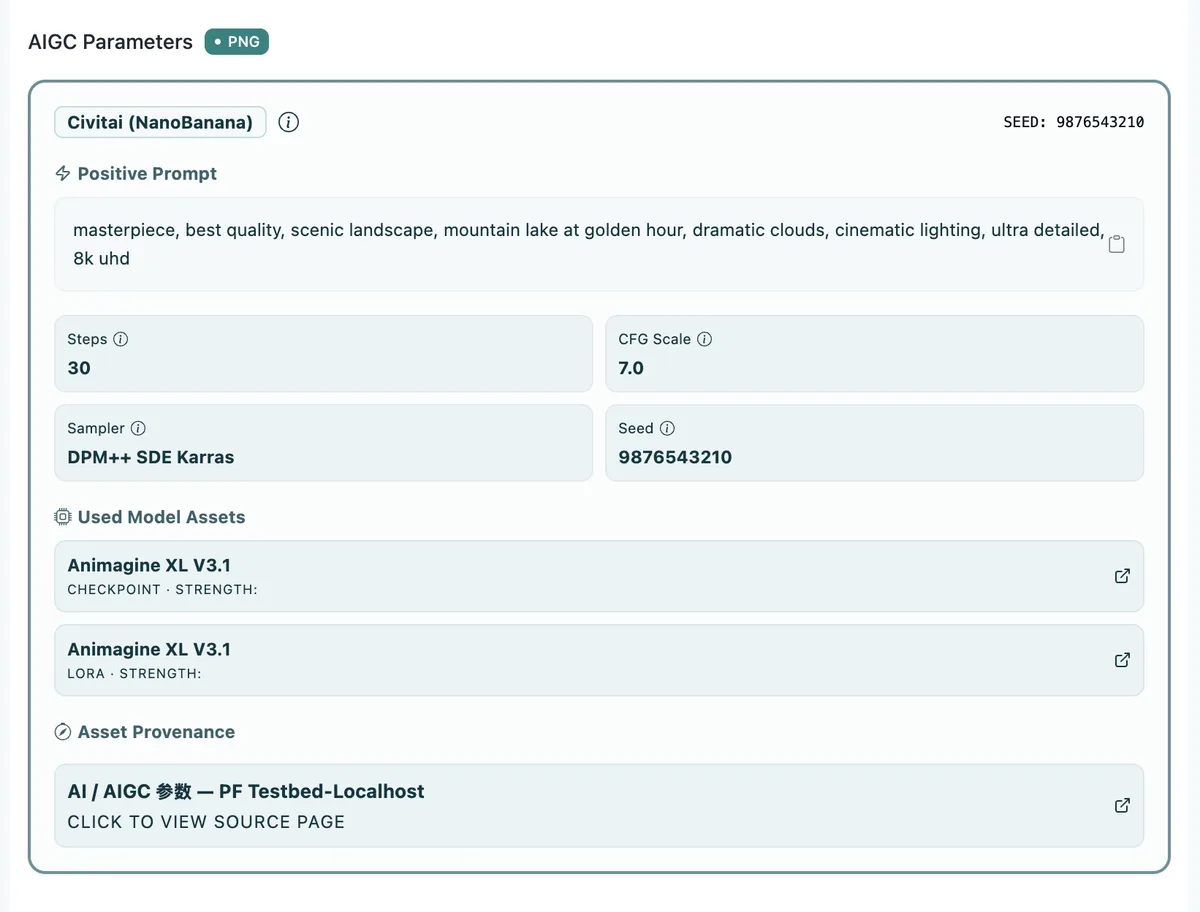
Many platforms remove image metadata during upload, compression, conversion, or republishing. Even if the original generated image contained prompts, model names, seeds, samplers, or similar information, the published image may only contain the pixels, with the parameters removed from the file.
Another possibility is that the parameters exist, but they were written in a format Pixel Flow does not currently recognize. Pixel Flow prioritizes structured clues left by common generation tools, such as steps, sampler, seed, model assets, workflows, or platform metadata. It cannot guarantee recognition for every tool, platform, or custom writing style. If you run into this situation, you are welcome to contact support with samples and notes. I will review the case and evaluate whether compatibility support can be added.
What you can check first
You can start with a few simple checks to see whether the missing parameters are related to account access or to the image file no longer preserving parameters:
- If the page shows a sign-in or upgrade prompt, first confirm whether the current account is signed in and can view advanced metadata.
- If the detail page says the metadata is sanitized or cannot be recognized, it usually means this image file does not preserve recognizable generation parameters.
- If AI fingerprint detection shows a clue, treat it as supporting evidence. Do not treat it as AIGC parameters or as an authorization conclusion.
If you cannot identify the reason, or you believe this image should have parameters, contact support with an image sample, the source page, and a screenshot of the detail page you see.
Technical Notes
If you are not a technical user, you can skip this section. It does not affect normal Pixel Flow usage.
AIGC parameters are often stored in Exif, XMP, PNG text chunks, WebP / AVIF container metadata, or platform-specific fields. Different tools and websites do not write them in one unified way. For background concepts, see MDN’s image file type and format guide, and the C2PA public specification for content credentials.
These references only explain why you may see an image but not see its parameters. They do not prove that an image can be used commercially, and they do not replace authorization checks.
Notes
- Empty AIGC parameters do not prove an image is not AI-generated.
- Existing AIGC parameters do not prove an image is reusable or commercially usable.
- AI fingerprint detection, AIGC parameters, and source and rights clue records are supporting evidence only.
- Whether you can use an image still depends on its source, license, contract, or platform rules.